iPhone SMS to Android Importer
Features
Import Messages
Import all your SMS texts and plain-text iMessages into your Android device, with full support for any language.
Support for Contacts
Don’t need all messages by every person that ever contacted you? Just select the contacts whose messages you want, and all others will be ignored.
Remove Messages
Want to start over, but keep all messages that you already had on your phone? The “Remove Messages” feature will only remove those messages that were imported by iSMS2droid.
Database Auto-Detection
No need to explore the complex filesystem structure of Android, just put the database onto your phone and let iSMS2droid discover it automatically.
Import Call Log
Some people still use their phone for making calls, so import your call log to check if you are one of these persons!
Direct Support
Can’t find your databases? The app doesn’t do what it should? Get in touch and you’ll get support directly from the developer, not some 3rd-party help desk.
Instructions
Instructions
1. Backup your iPhone
You should switch your iPhone to Flight Mode or take out the SIM card before creating the backup, otherwise you may receive messages after you created the backup, and those won’t be included in the backup file then.
Connect your iPhone to your computer, start iTunes and make an unencrypted backup by selecting your iPhone and clicking the Back Up Now button
Detailed instructions can be found on Apple’s support pages.
2. Find your iTunes backup folder
Go to the folder that contains your iTunes backups. Depending on the operating system you are using, this folder will be located at the following paths:
Windows:
C:\Users[YourUsername]\AppData\Roaming\Apple Computer\MobileSync\Backup\
OS X:
~/Library/Application Support/MobileSync/Backup/
Inside that folder should be one or more folders with random names. Find the one that does not have a timestamp (-YearMonthDay-HourMinuteSecond) at the end.
This is the folder of the backup you created in step 1.
3. Copy the files to your phone
Locate the file 3d0d7e5fb2ce288813306e4d4636395e047a3d28 in the folder 3d for your messages, and the file 5a4935c78a5255723f707230a451d79c540d2741 in the folder 5a for your call logs
Copy the file(s) you want to import to your Android phone. You can use whatever transfer method you like, preferably USB, but Dropbox, Email, etc. will also work.
The app works with any filename, so you may want to rename the message database file to something like sms.db, and the call log to calls.db to make it easier to identify them. The renaming is completely optional, though.
If you use the original filename(s) or one of the ones suggested above, the app will find the files automatically and not prompt you to select the manually.
4. Prepare your phone (and yourself)
This is not a hard requirements, but if you have lots of messages (>50,000), i recommend that you connect your phone to a charger, as the process may take a while and use quite a bit of your battery charge. Better safe (and charged) than sorry (and having to start over)
I would also recommend just letting your phone do its thing while the import is running. The import should continue in the background if you absolutely have use your phone for something, but the general rule of thumb is: the less resources are used for other apps, the faster the import will finish.
If you have a new Android device and didn’t install any apps that could potentially interfere with iSMSdroid (other SMS apps like e.g. Textra), you can skip to step 5.
If you are not using the default Messaging app, theoretically everything should work just fine – but i can’t promise anything. If it does not, and you are getting any errors or weird behaviour (other than those cases covered in the FAQ), you may want to switch back to the stock Messaging app, or even completely remove any 3rd party messaging apps.
5. Install the app
Please continue with installing the app on your phone.

If your Android version is very outdated or there are other reasons why you can’t use the app, use the Online Converter and import your messages with the 3rd party app SMS Backup & Restore.
Please be aware that i can’t provide any support for this process, beyond converting your message database into a format that can be read by SMS Backup & Restore. #YOYO
6. Start the import
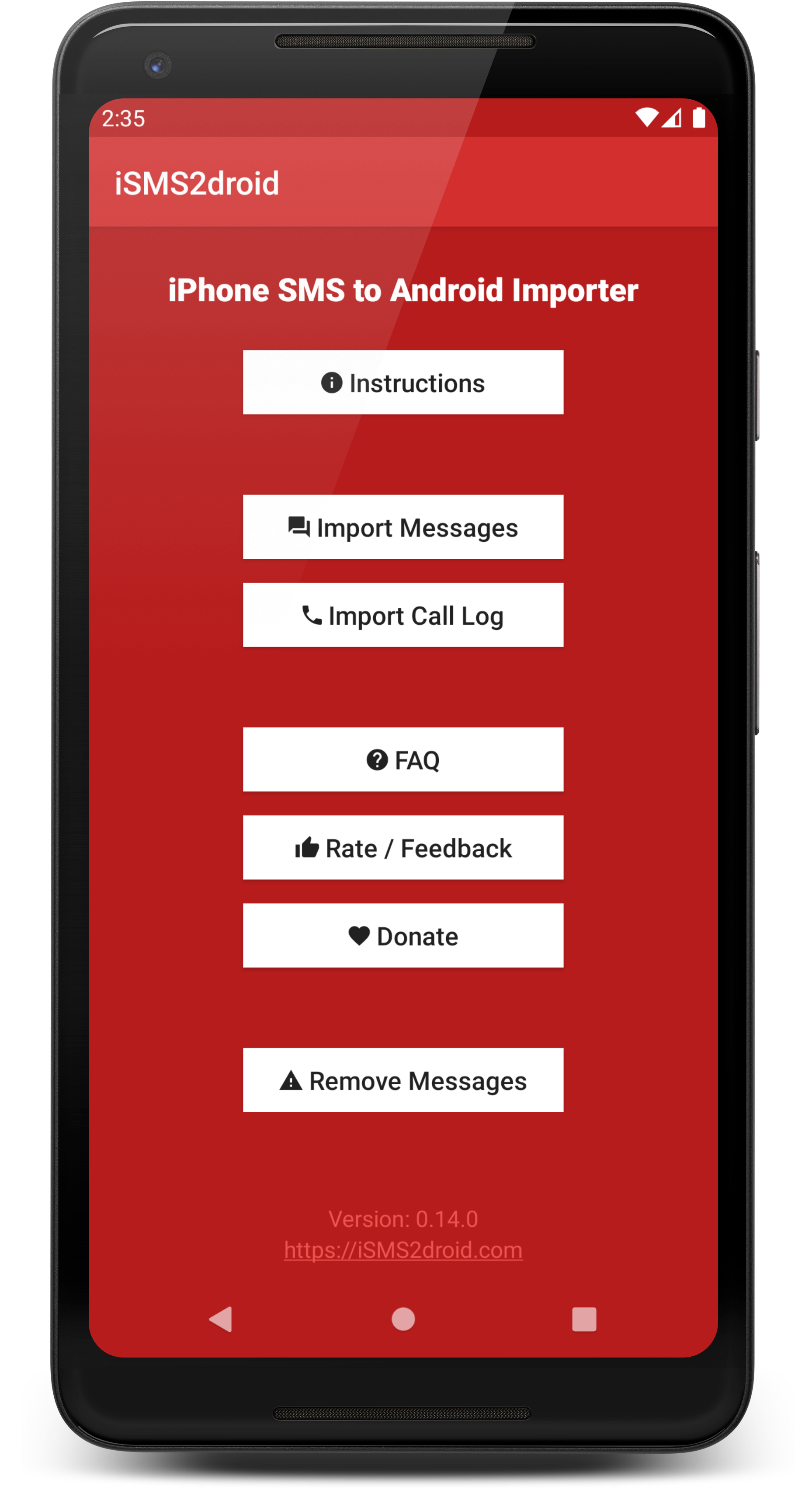
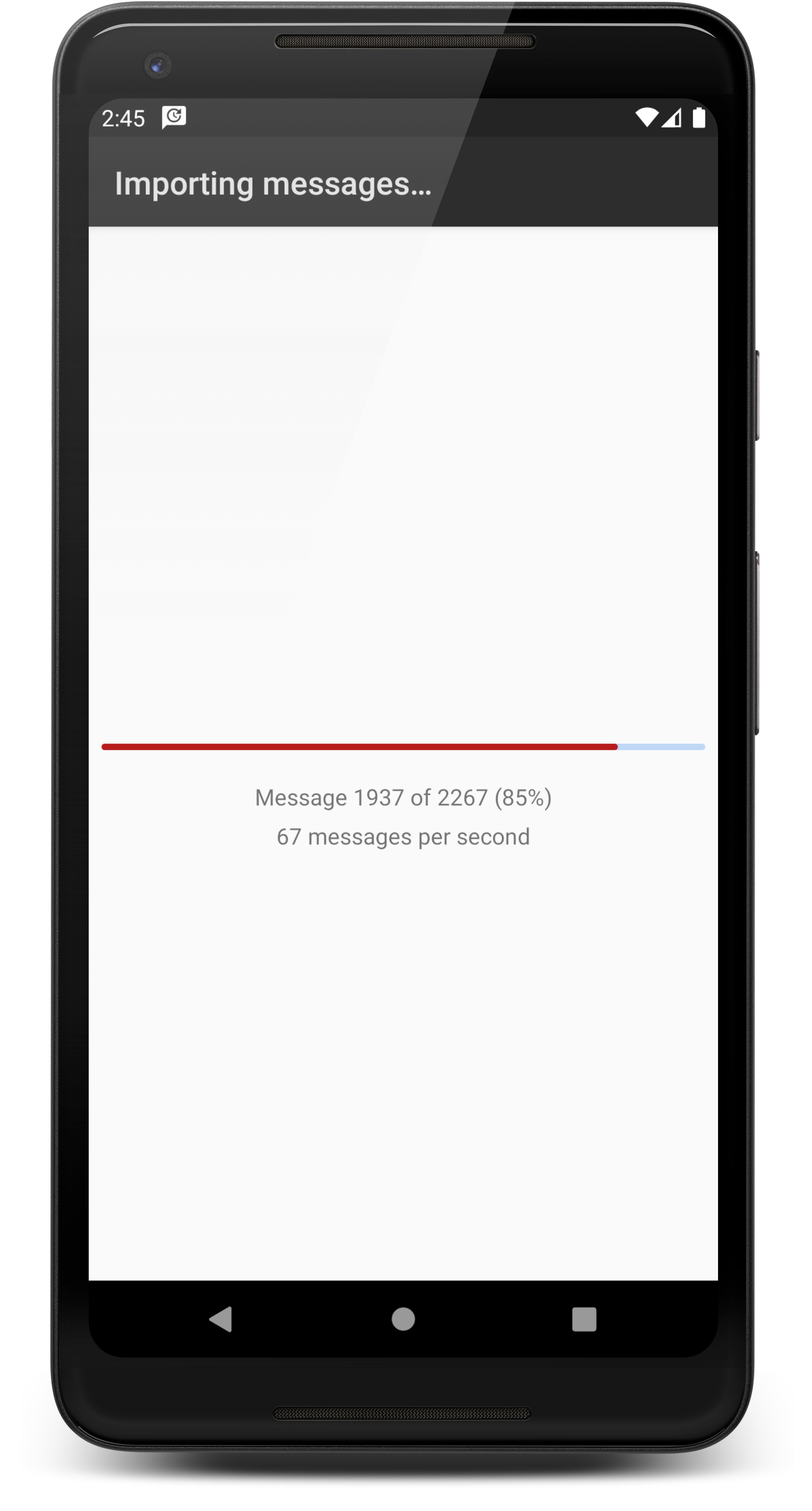
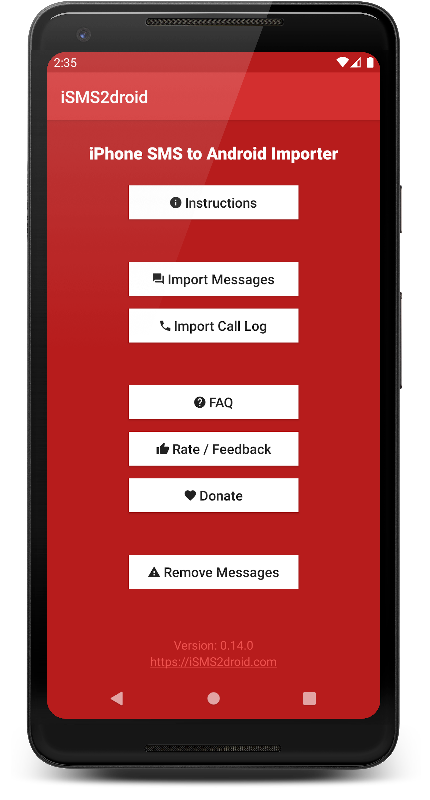
After opening the app, tap on the Import Messages Button. If this is the first time you use the app, Android will ask you to grant iSMS2droid certain permissions and also to switch your default messaging application to iSMS2droid. This is required to be able to write to Android’s messaging database. After the import has finished you will be asked to switch back to your previous messaging application, so there’s nothing you have to change by yourself.
If you haven’t copied the file(s) to a folder where the app expects them, or if you have used a filename the app doesn’t recognized, you will now see a file selection dialog that allows you to navigate to the location of the database file(s).
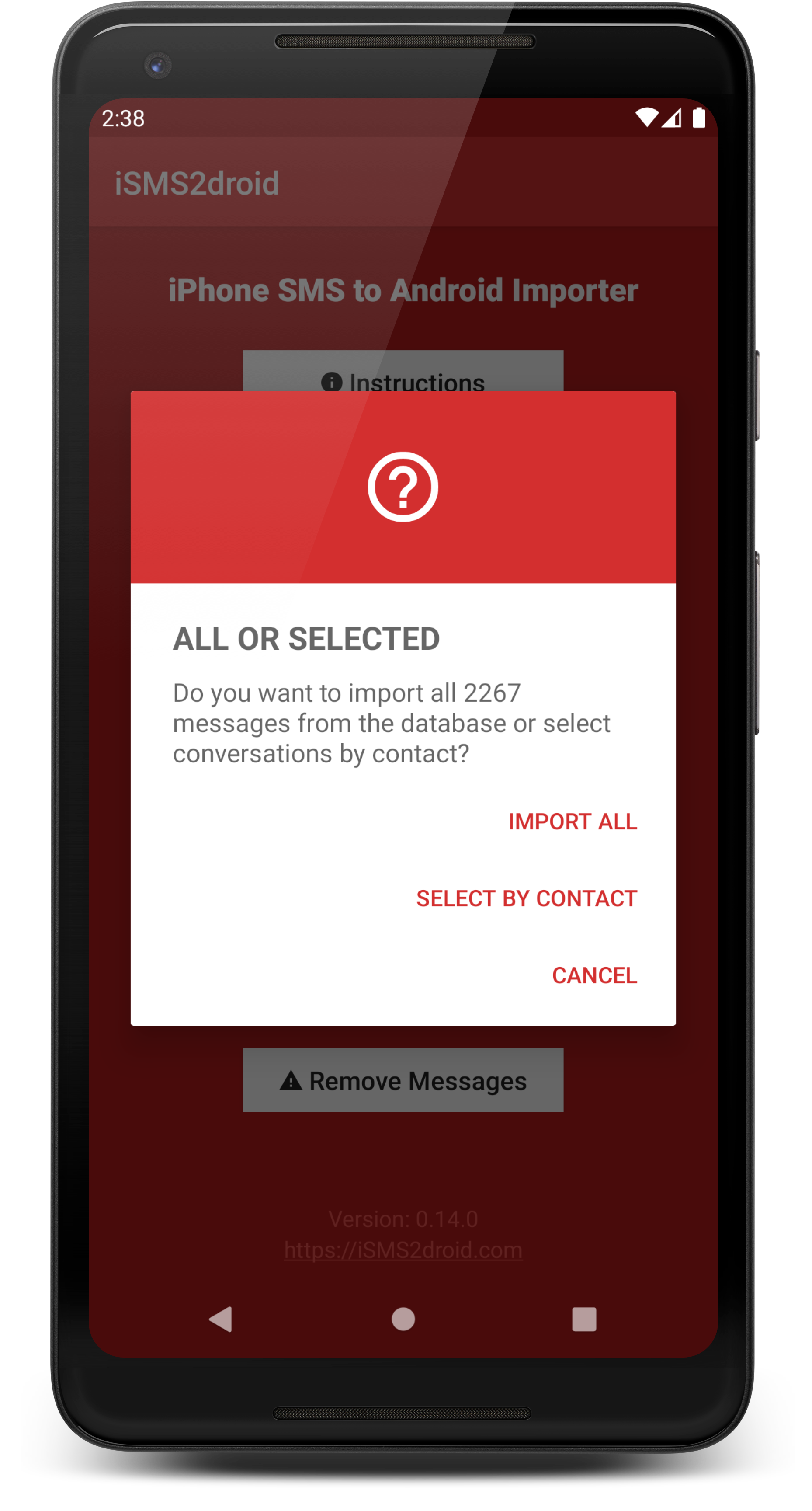
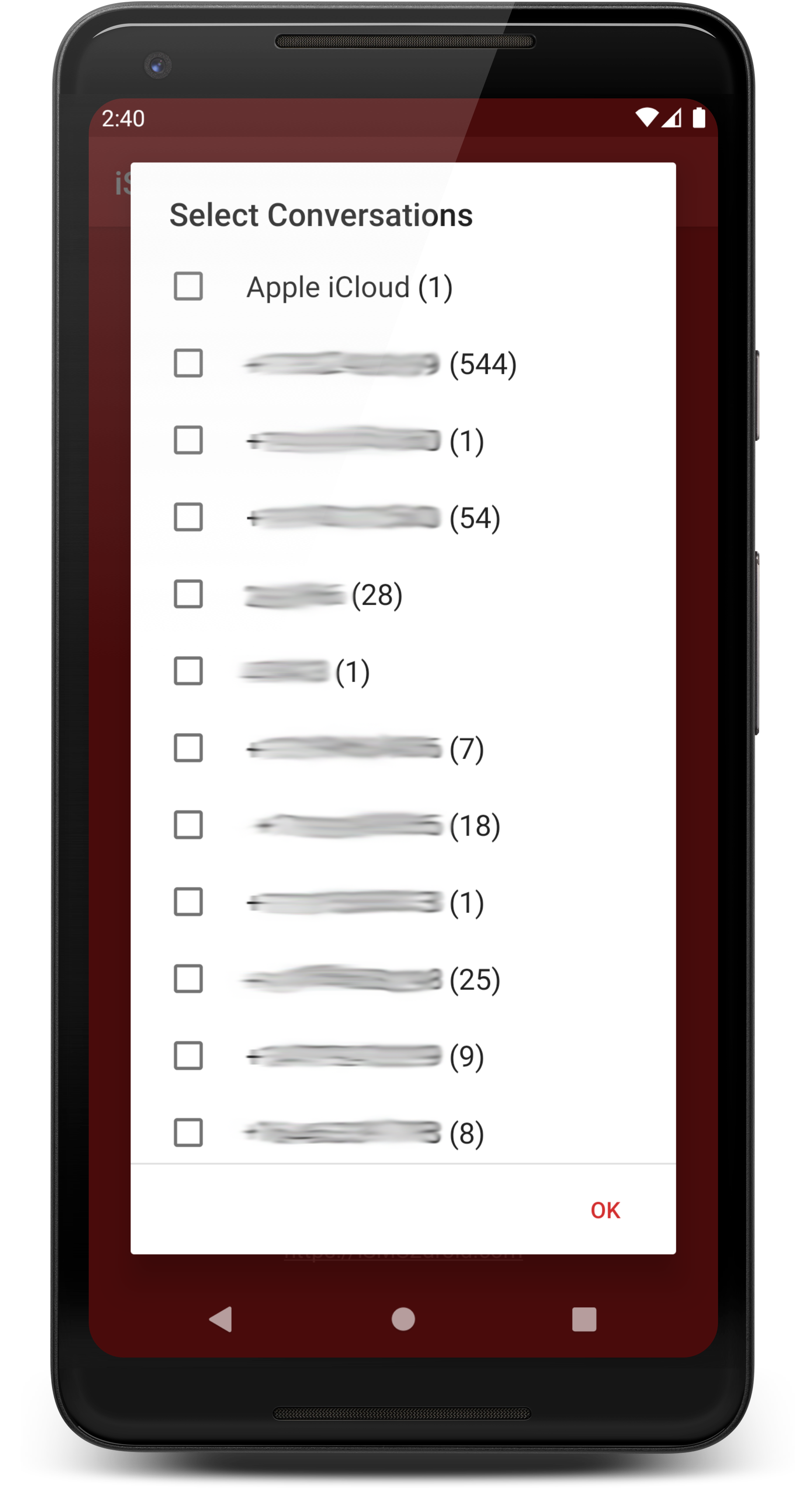
When you select the message database file, the app will ask you to either import all messages or select conversations by contact. If you select the later, it will show you the names of the contacts (if you have added them to your phone’s addressbook), otherwise it will show you only the contacts’ phone numbers. If you plan on using this selective import, i highly recommend adding/syncing all your contacts to your phone before using iSMS2droid, so that you can clearly see whose messages you are importing.
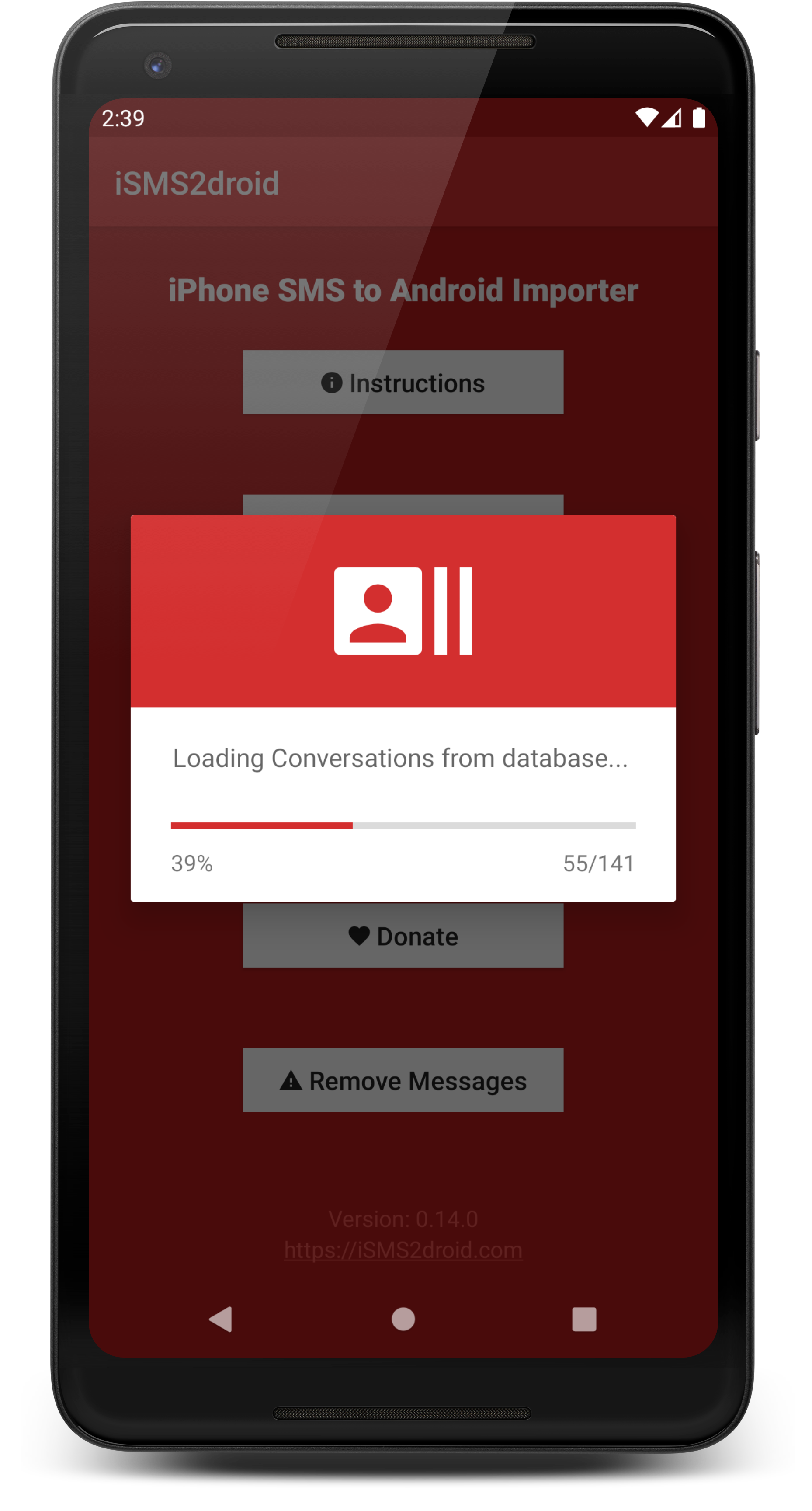
If you chose to import all messages, the app will now start the import process, otherwise it will load a list of conversations and allow you to pick the conversations you’d like to import.
You can continue using your phone while your messages are being imported, but please be aware that using other apps may decrease the performance of iSMS2droid, resulting in a longer import time. Or cause it to completely fail. You never know. I would recommend just letting the app do its thing in the foreground and not using the phone for anything else.
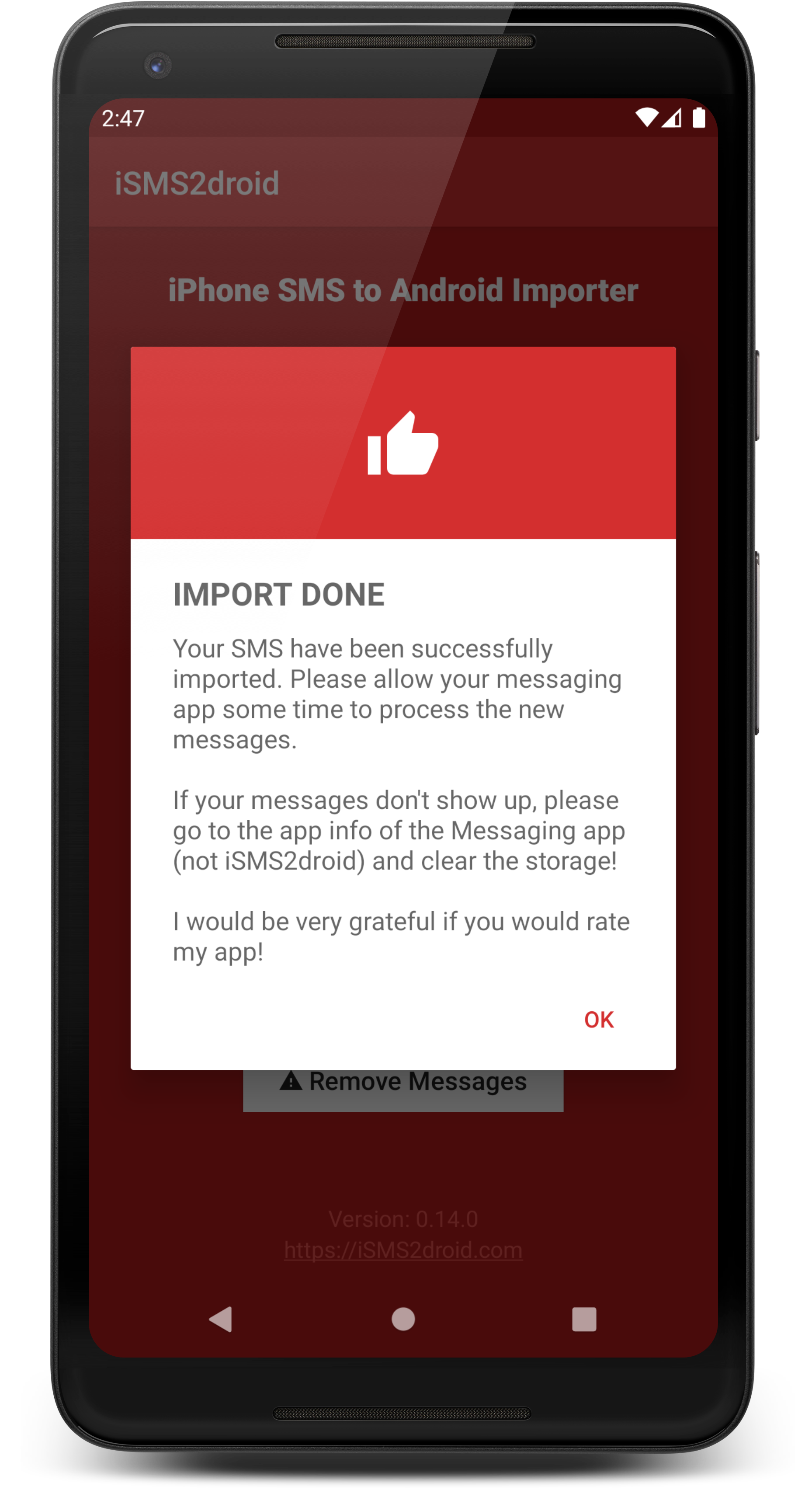
Once the import has finished, you’ll be asked to switch your messaging application back to the one that was previously the default, and then you’re done!